


mcros7
Frozen-Inactivity
-
Joined
-
Last visited
-
I fly X-Plane on a top of the line iMac and had begun having numerous software crashes in version 10.40+. I also have a ton of custom scenery and a large number of plugins. Thinking those could be the source of the crashes, I did a clean install of the most current 10.40 release (prior to the release of 10.50), but still experienced software crashes that would usually take place after around 30 minutes of flying, but sometimes sooner. Additionally, it didn't seem to matter what aircraft I was flying, and I had become so frustrated with 10.40+ that I was reluctant to even start it. After updating with the first several releases of 10.50 beta, the crashes continued, whether in the clean version or the one with all the custom scenery and plugins- and, of course, 10.50 had several glitches that were being ironed out. Upon installing 10.50b6, however, I found X-Plane to be running BEAUTIFULLY, with absolutely no crashes, even with all the add-ons. WELL DONE X-PLANE DEVELOPERS! If you haven't seen the buildings in 10.50b6, just take a look at Honolulu. This shot is taken from just west of Diamond Head, looking toward PHNL. The buildings are stock X-Plane 10.50b6, however, the water off Waikiki is enhanced with a photo scenery add-on. See at: http://forums.x-plane.org/index.php?/forums/topic/105661-x-plane-1050b6-running-beautifully/
-
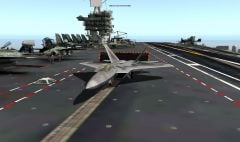 X-Plane 10 No Additions Used
 -
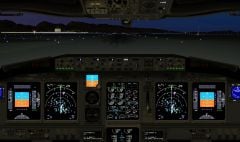 X-Plane 10 Local Time 1810 Additions used: Honolulu International Airport Terminal Boeing 738-800
 -
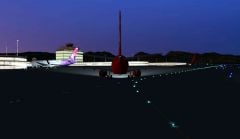 X-Plane 10 Additions used: Honolulu International Airport Terminal Boeing 737-800
 -
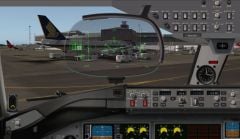 Cockpit Boeing 787-9 Additions Christchurch International Airport Boeing 787-9
 -
 XPlane 10, Cirrus Jet on final, no additions.
