michael320
Members
-
Joined
-
Last visited
Everything posted by michael320
-
Hey guys, i downloaded this: http://forums.flightsimlabs.com/index.php?/files/file/66-fsl-texturefix-v10zip/ Ive been flying for a good hour, constantly trying to make it crash. Going good so far! I'll keep you guys posted and thank you for the quick reply!!!!
-
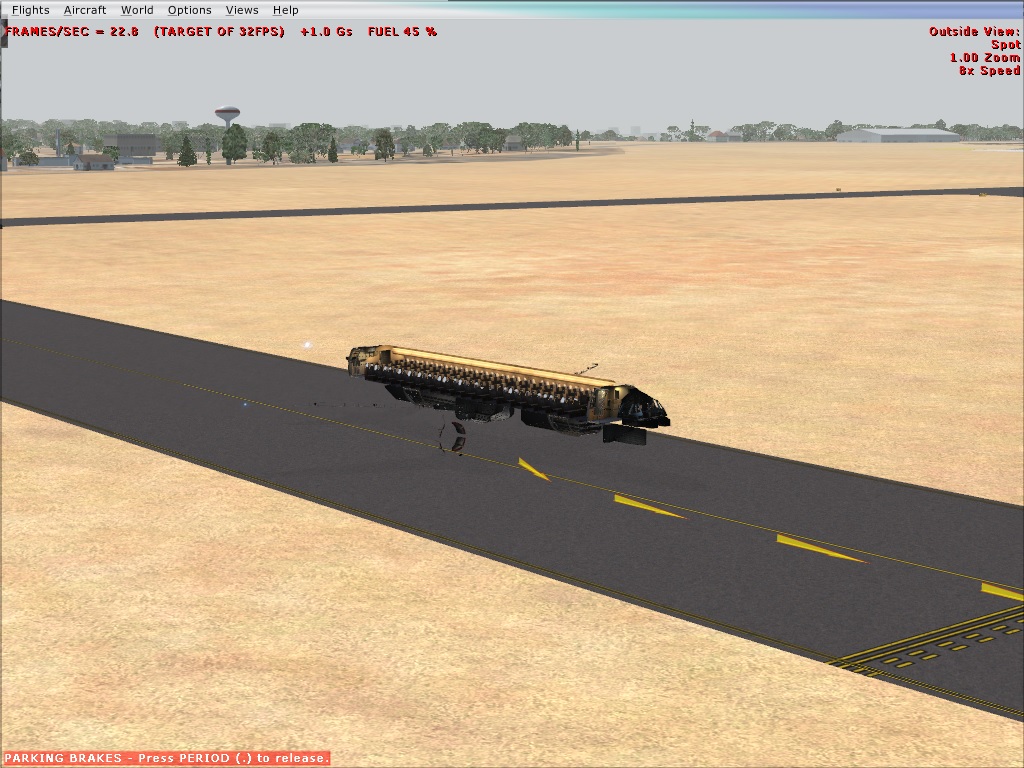
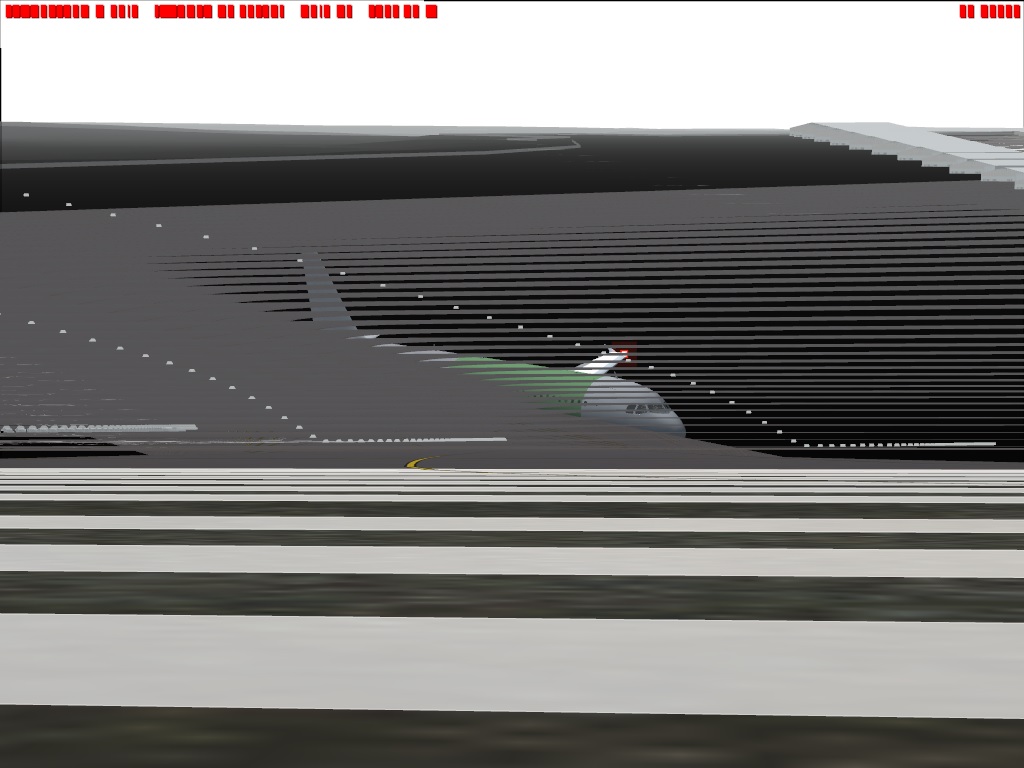
Hey guys, My name is Michael and I'm new to these forums, but certainly not new to Flight simulator. I used to play FS9 when i was a teen growing up, however now i got myself a good rig and I've been getting back into to. I've purchased FSX and installed it on my pc along with sp1 and sp2. The problem im having is this. Every darn time i play this game, if i accidently press esc or if i go into the map view and then back out my whole visual goes up to crap. It's very rare where this does not happen. I either lose my whole plane, part of the plane, the scenery or the whole screen just goes black or multi-coloured. Ive searched the net to find a solution and i am yet to fix the problem. This is really starting to get on my nerves because its rare for me to complete a flight and to be honest its starting to turn me off from the game. I never had this problem with FS9. My pc specs are 3.2 i5 quad core intel geforce GTX 650 Ti graphics card 20gb of ram Any help would be great!!!!!