Kimo42
Members
-
Joined
-
Last visited
-
I have bee trying to install new livery's aircraft for the 737-800 for a couple of hours now. After downloading a few liveries from PMDG download page, I clicked the install tab and started the installation. After entering the destination location and clicking OK, I get the message "The file (name of the file) could not be opened". So, I downloaded the files again and tried to install the liveries again. This time as the administrator. I get the same message and cannot install the liveries in the default location or in the FSX location. I anyone else having this problem? Does anyone know how to fix it? Thanks in advance, Kimo42
-
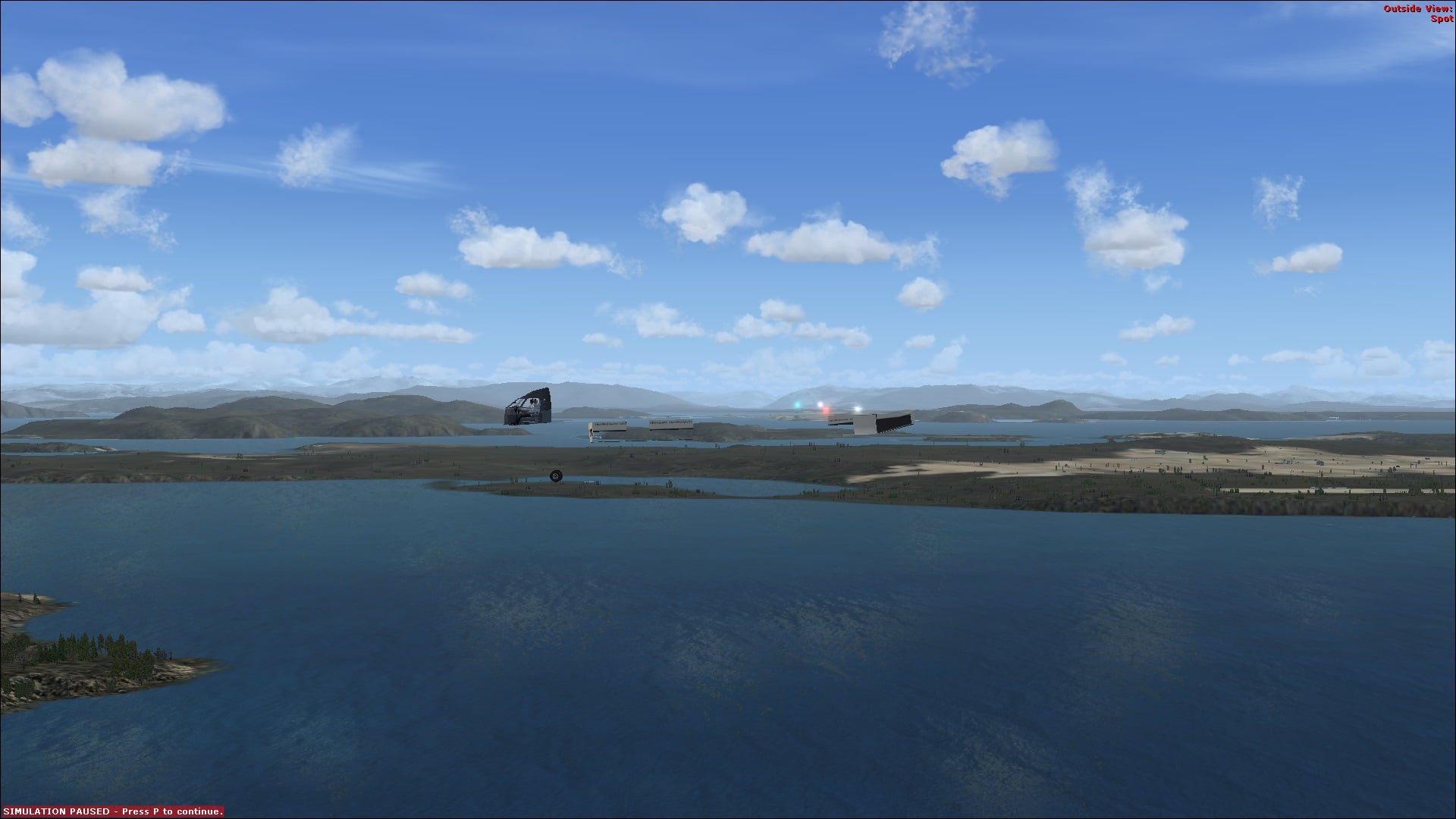
Hey guys, They say a picture is worth a thousand words. I can't explain what this look like but maybe someone can help fix it. In FSX-11, the names or labels are not correct. In FSX-12 the aircraft is just a frame. Thanks in advance James