BBaas
Members
-
Joined
-
Last visited
Everything posted by BBaas
-
Christof...Would you care to share please. Ber
-
Hi First off I've just came to the 737 today, after downloading the 8/900 earlier. As the title implies the hotspots for items 1-6 (in the intro) aren't there. All the others work fine. I did look for an issue topic akin to the 777 forum, but without any luck. Any feedback would be appreciated. Thanks. Ber
-
I have been having the same situation since I went to Win 8.1. I think I've stumbled on a fix ,for me anyway. Look in your FSX folder for Atiumdag.dll. if it's not there do the following. Search your system drive (usually C) for the file. I found it in a system folder. Copy it and paste it into your FSX folder. I've been able to fly the sim for several hours without a hitch. My problem has not been just the T7 but FSX on a whole. Nothing worked. So far so good with my case. I hope this corrects the FSX/Win 8.1 problems for me. Good luck.
-
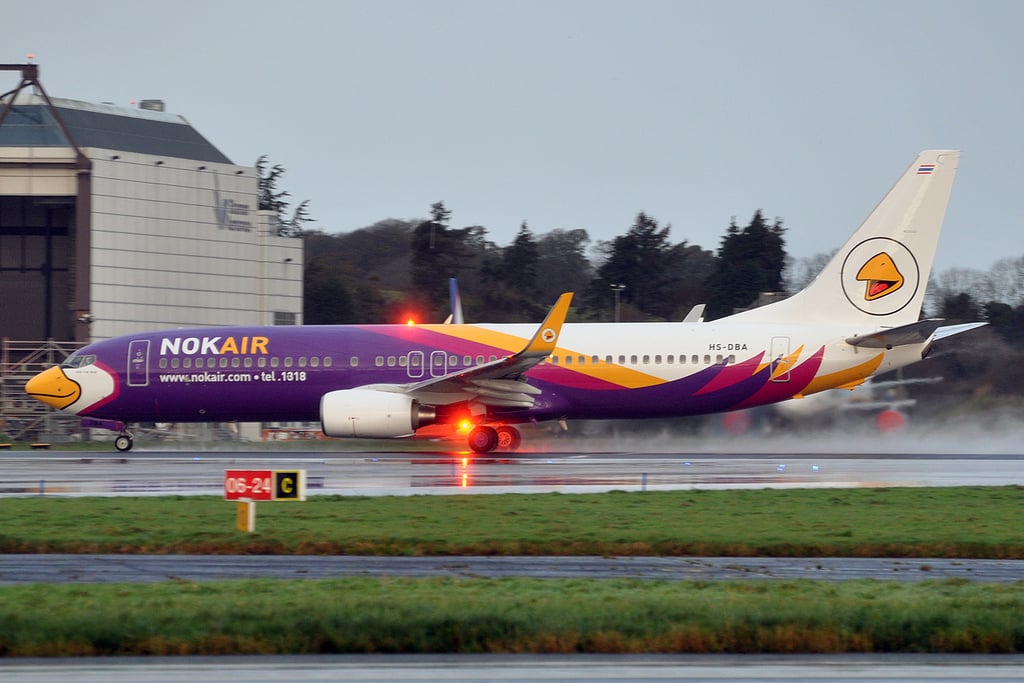
Even though Noc Air doesn't fly the T7, that I know of, their liveries would be a lot of fun. Thai Airways "Royal Barge" is another favorite.