


jumee32
Members
-
Joined
-
Last visited
Everything posted by jumee32
-
Ohh... Thanks! I see now. I just looked the ground maintenance menu, not the failures menu. Thanks again mate! :rolleyes:
-
Hello to all 777 simmers! On my last flight I had a tail strike during takeoff. During climb Cabin Altitude alert appeared on EICAS. I declared an emergency and landed safely on a divert airfield. My question is: is there a way to "repair" the damage without quitting FSX or I have to reload FSX and load my flight again? Thanks!
-
No, this flight was from Dubai to Yemen capital city. I think the "stop" indicates, that the flight includes one stop between the departure and arrival airport (For example "Dubai to Hong-Kong", but the flight has to land at Delhi to pick-up more cargo or something like that).
-
Yes, this is the real flight number. From their official website, skycargo.com.
-
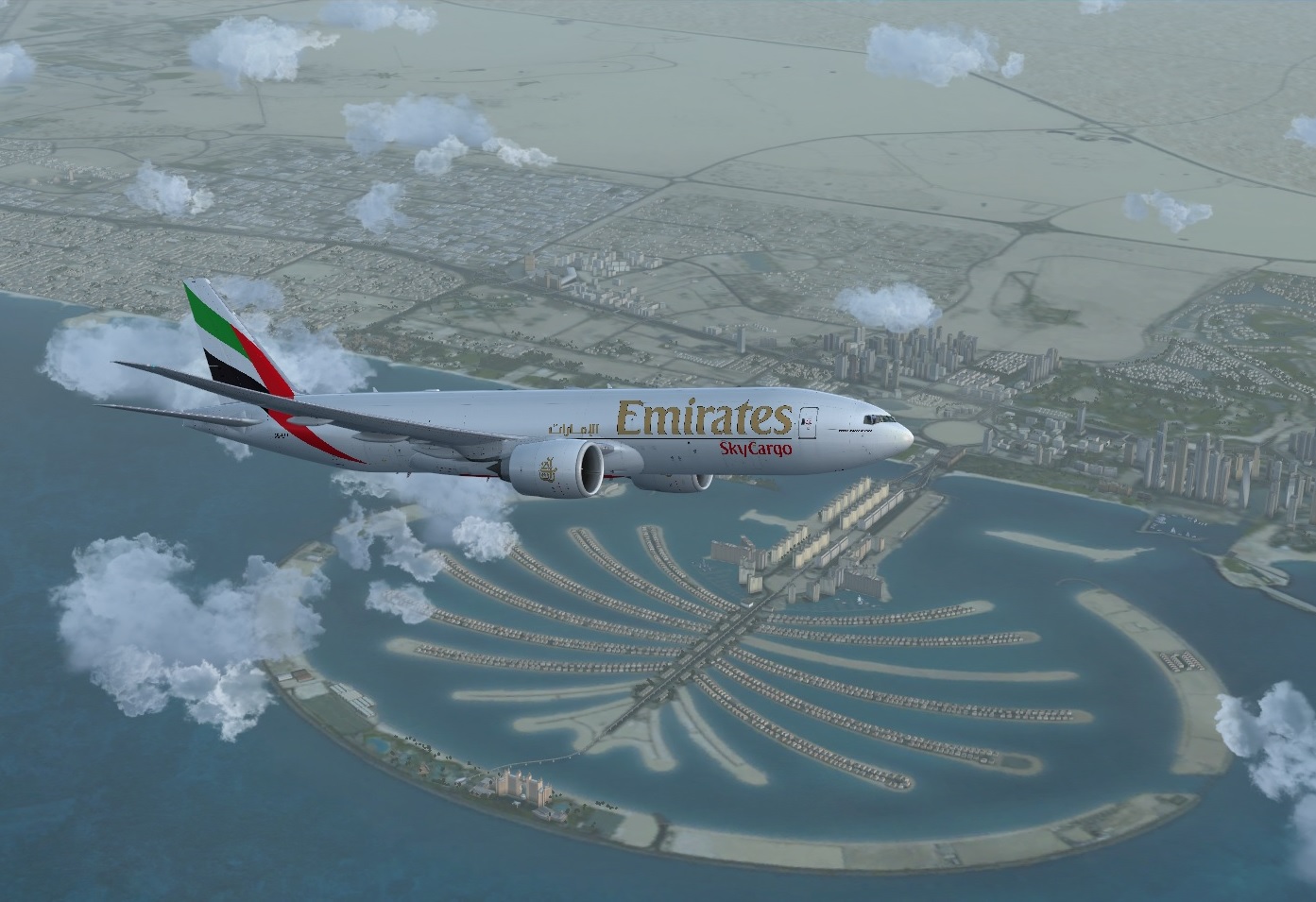
Hi Everyone! Departing from Dubai to Sana'a. Flight EK9747. B)
-
Hello! I personally use the PRO-ATC-X. It is much better than the default ATC. It handles SID/STAR procedures, handles AI traffic (but is is a bit buggy), it has humanic sounds, I can use with pmdg 737, 777. It has bulit in flight planner too. website: http://www.pointsoftware.de It has some bugs, but it will be updated (look after in their support forum). Soory for my bad english...

