


claincly
Members
-
Joined
-
Last visited
Everything posted by claincly
-
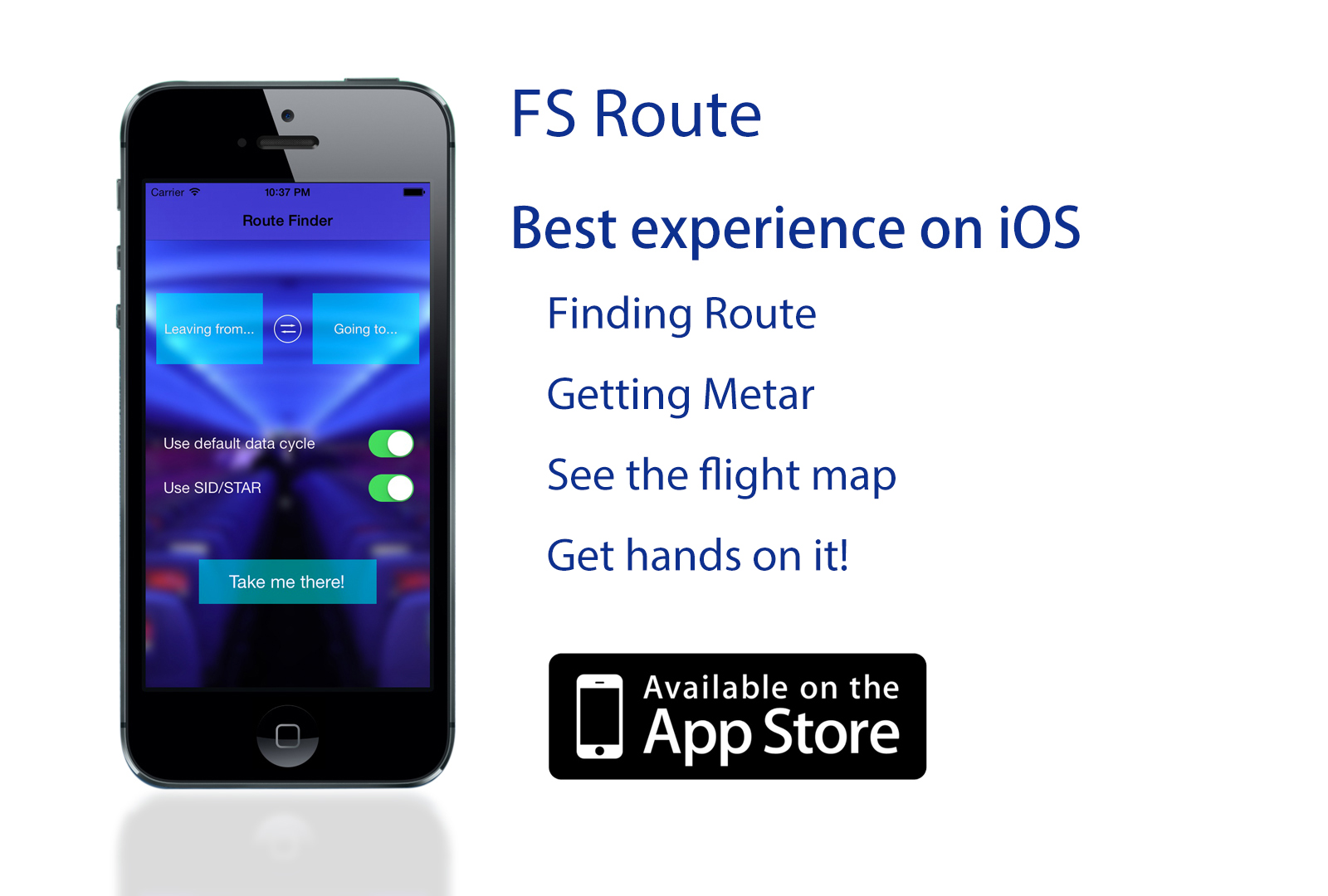
This App is absolutely the best route finding experience on iOS! Check the App Store for detail! Download it right now and throttle on! Click here to view in App Store! https://itunes.apple.com/us/app/fs-route/id806072746?ls=1&mt=8 FAQ: Is it free? (Of course! Compared to the only one on App Store and charge $4.99 for each copy, which one do you prefer?) Can I use it on iPad? (YES!) Can I use it on devices that don't have iOS7? (NO, Apple requires new Apps must be iOS7) Is there Android and WP versions? (NO, the platforms are totally different) Why the data base have only Chinese airports? (You can enter the ICAO code you want by click the input button) THROTTLE ON!

-
I think the NGX worth it or you kan buy the ifly. Both are good add-ons. Another option, the POSKY (Freesky project) merged with the build-in 737, for better model
-
I like 757 though but never find a fantasy add-on like PMDG or LDS. I prefer the CS ones for its great model and VC, but it does not work nicely with FSUIPC 4.60If you have the LDS 767, I suggest you download the POSKY 757 and merge them,Freeware
-
It is said that the ifly jets can be shared
-
I'm a student so I want to buy this add-on together with some of my friends. SO, is there any LIMIT of ACTIVATION?Hope there isThanx!

