


Labrador315
Members
-
Joined
-
Last visited
-
Windows 8.1 works just fine with FSX. Adding the Windows Vista vintage UIAutomationCore.dll to your main FSX folder seems to be a requirement however. The only items I've noticed with some issues are Reality XP FLT and FLN gauges.
-
Installed FS2004 on a new computer with Windows 8.1 and it works just fine. The only oddity noted was with Reality XP FLT and FLN gauges. They function well, but cause very short freeze-ups from time to time.
-
Labrador315 replied to Ron Attwood's topic in The Paint Shop - The Aircraft Painter's Forum - How ToNice attention to lots of little details in that paint job Ron. Screwed up with the files and things required for a RealAir Duke repaint? What could possibly go wrong?! :lol:
-
Incorrect files were included in the 'B60_V2_N993CA.zip'. 'RASDuke_VC5.dds' and 'RASDuke_VC5_Spec.dds' changed the panel screw heads to matte black, but other panel parts were corrupted in the process. Murphy's Law wins again! I suggest removing those two dds files from 'Texture.N993CA' and letting the originals in 'Texture.Panel_Grey' get called up. If corrected versions with black screws are desired, contact the author at the address in the N993CA readme. My apologies to all for this. Wayne S
-
Yep. Normally.... ^_^ Look at picture from January 2006 of red and white N20CG on airliners.net.
-
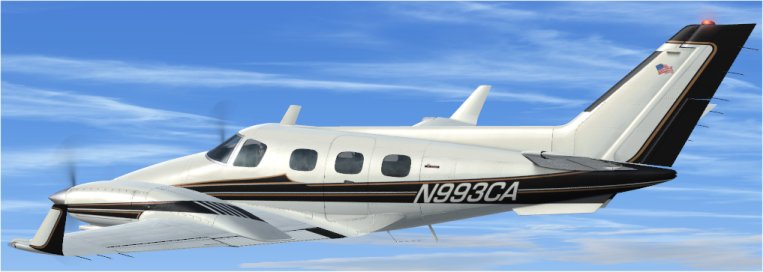
For anyone still following this thread now that it has been banished to the hinterland by The BOT, the repaint of Duke V2 N993CA has been sent to the library.
-
Almost done. Funny how the flag has attracted attention. A Turbine Duke repaint a few years back [N20CG] had a backwards Stars and Stripes on one side of the tail [as per the real aircraft], and nary a peep was heard. Thanks to everyone for the kind words.
-
N993CA was a 'curiosity' mod of my Duke V2 C-GRJE, both intended for my own use. However as there seems to be an interest in this repaint, I'll do some more tinkering then release it. Black prop blades, a canted Old Glory, white inside winglets and a couple other minor things need to be done, as per Ryan's photos above. Ryan pointed out a fault with the panel at night as well. I'm not really happy with the N993CA lettering but this is the compromise I went with - so far.... An e-mail to Sean at RealAir asking if white/clear rotating beacons are possible on the Duke V2 is awaiting a response.
-
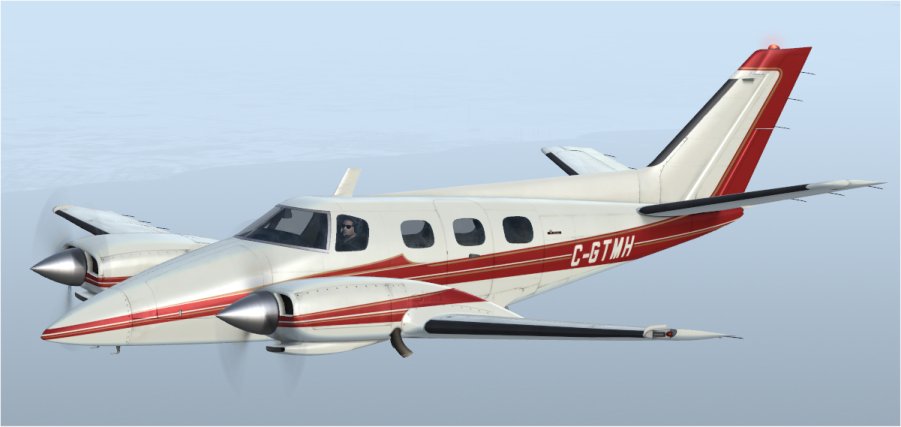
Looks good! Thank you.
-
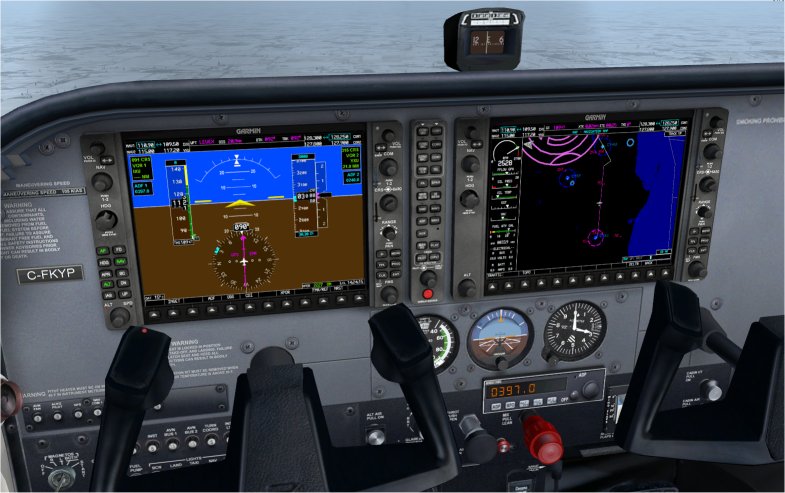
Thanks to the enhanced G1000 from SCUMARI Tec [enhanced_garmin_g1000.zip] and the C172 panel rar file on their website, the default C172 G1000 panel has been improved. A G700-like autopilot on the G1000 means the panel AP can be replaced by an ADF. A Reality XP GNS530 is ‘driving things’ in the background in the attached picture. Thank you Rick!
-
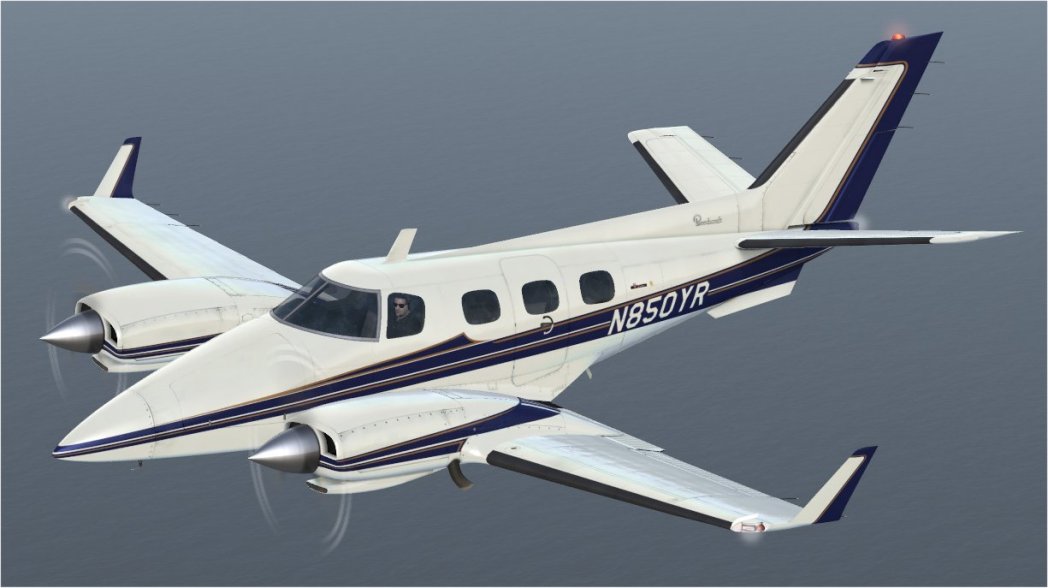
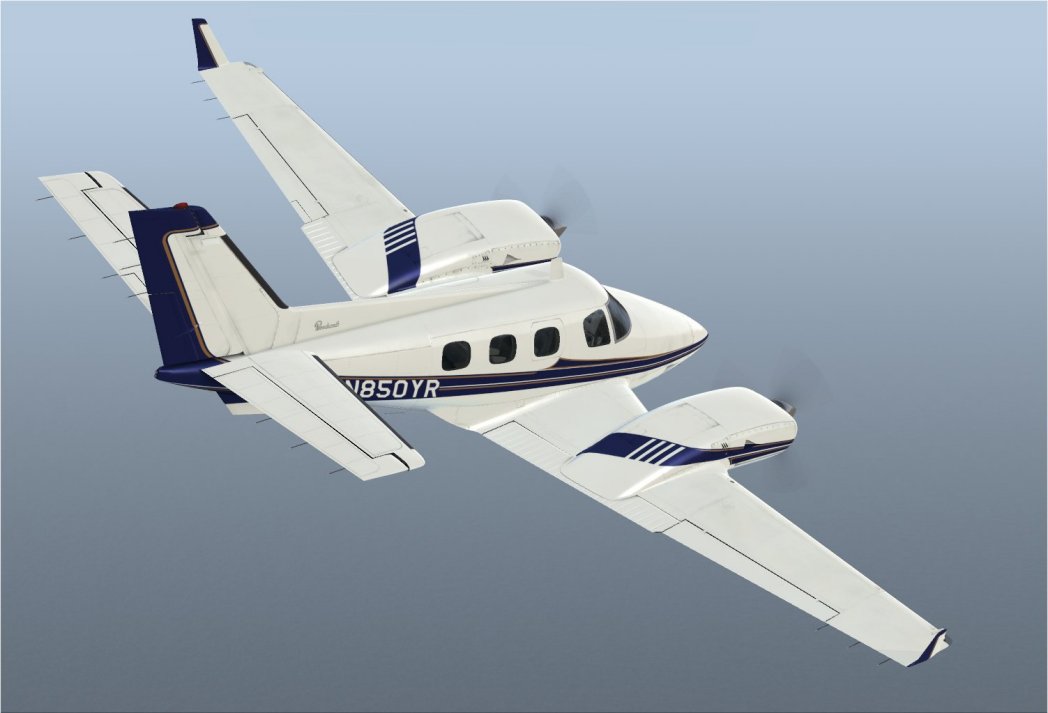
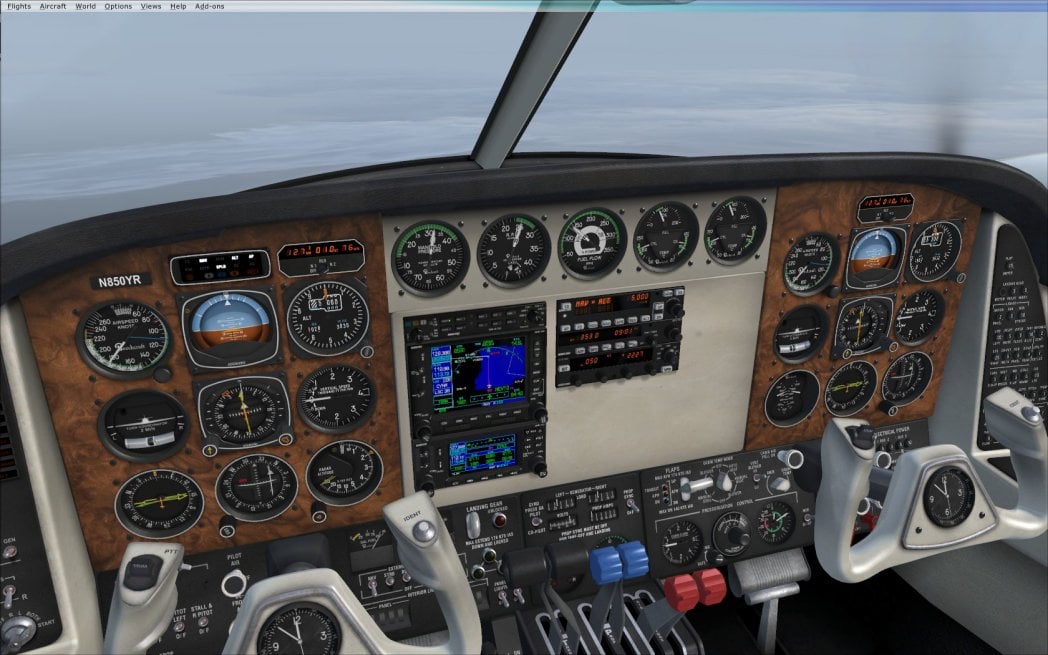
Nearing completion is a repaint based on RealAir’s N1873K and walnut panel files to recreate 1982 Beech Duke N850YR. That aircraft was featured in an AOPA Pilot magazine article published in 1983.
-
Not a G Reg, but one for a day when you're bored, Ron. http://4.bp.blogspot.com/-a7njDX_9RVU/UXmdlPRWC2I/AAAAAAAAHhE/z1x31qaE7x8/s1600/APFN1644WrampLGB.JPG
-
See here: http://fsxtimes.wordpress.com/2011/11/02/123-disable-wing-leveler/
-
Great minds think alike...! I experimented with putting screw heads on the white panel to go with the recently released N537MG repaint, but decided 'it didn't look quite right'. Can't really put a finger on 'why' though. Yours looks great however!
-
The repaint of fictional callsign N537MG is an update to my N20CG.zip released in January 2012. Fictional Canadian callsign C-FMTC is included as an alternate. Changes include 'new' de-icing boots, wing fuel caps, engine vents, and wing ice inspection lights. Enjoy the flight WS
