


cjcdrummond
Frozen-Inactivity
-
Joined
-
Last visited
-
Hi Patraeus Would be delighted if you would kindly share any module for the Black Box Airbus as I really enjoyed flying them but am unable to use them with my VRinsight MCP Thanks Bruce
-
Hi All Changed GPU to the new GTX780 gigabyte 3gb and the difference is awesome!!!
-
Hi Anthony I think that Nvidea is the way to go also. I am still without any tearing however and I dont know enough about computing to know whats different other than following what cvearl suggested. B
-
Hi All May be of interest use users of ATI cards that want to use Userpools=0 with DX10 but suffer with tearing and artifacts. I have just installed latest release of Radeon Pro and used suggested settings kindly provided here by cvearl http://forum.avsim.net/topic/421849-dx10-fixer-atiamd-aa-and-vsync-guide/ Fingers crossed but left FSX running for 8 hours with NGX ASN and night lighting......much to my suprise when I got back that there was NO tearing or weird object and good framerates!!!!
-
Hi Paul Thanks and have updated my profile I have yet to buy the nvidea card and am interested that they are not immune. I am enjoying good frame rates and graphics with my current set up when using userpools=0 but after about an hour fo flying .,,,,,,tearing and artifcats start again. Any advice gratefully received Sent you cfg file by e mail. Best wishes from a very wet and windy UK! Bruce
-
Hi GB Not sure is my answer. The main prob I have is tearing and artifacts and thought this was a GPU issue. Generally fps is not bad and want to avoid a re-install as my fsx is huge with my add ons!!]
-
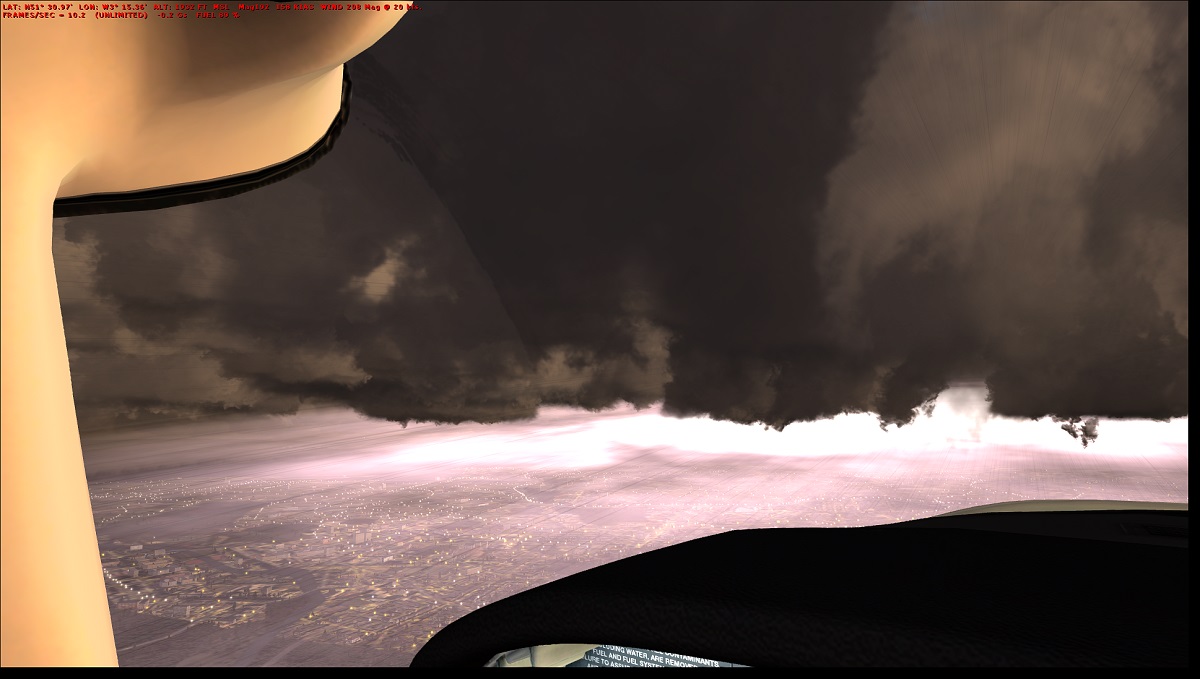
Well after some considerable effort and help from the members here I have stabalised my graphics but have decided to buy nvidea card as had to go back to userpools=1 to avoid tearing. This was a flight to Cardiff over the weekend in grim weather thanks to ASN.
-
Thanks Paul BTW have got over your cold spell out there/
-
what does sweetfx do for dx10? does it increase the bloom effect
-
Hi Jewel I meant that with the mod 3 shader software there is an option to flush cach. I didnt do it prior to removal and my screens went black so had to re-install mod 3 (not install into fsx though) and then use the flush cache and all worked dandy
-
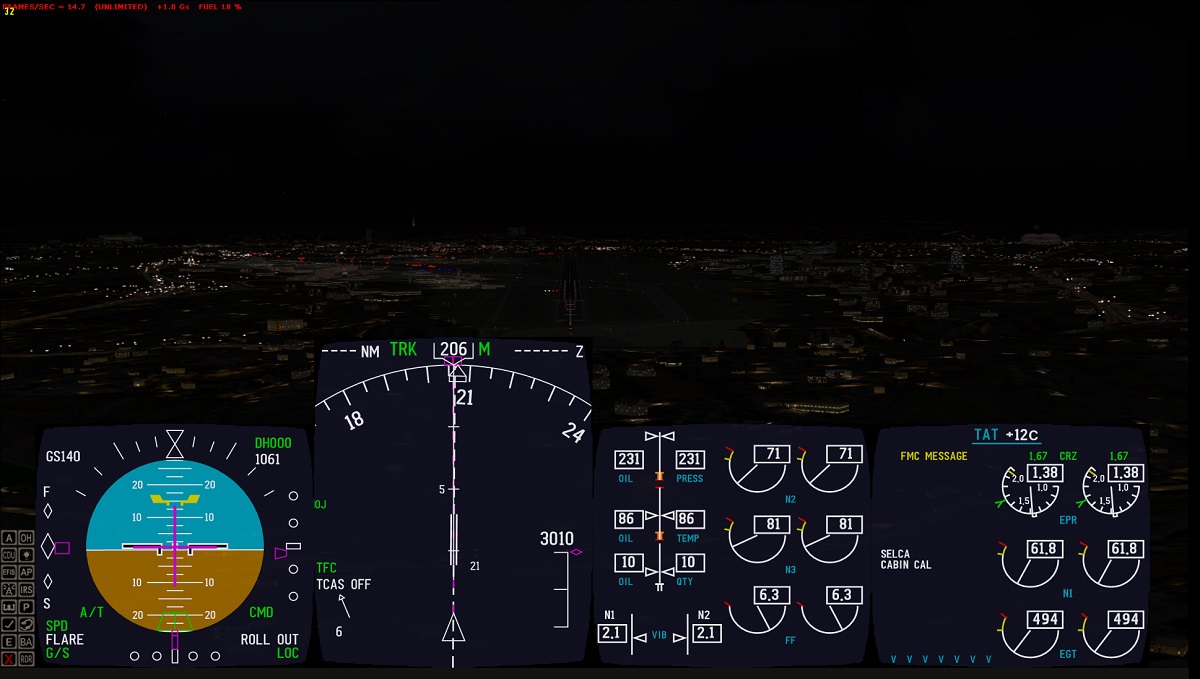
Hi All Just a short note to say that I have not only cured the tearing graphics but also sim is running smoother than before. Just completed a short night flight from Seville to Lisbon in CS 757 and it was a shear joy to fly. All add on sceneries worked and lights from UTX were splendid...see attached. Now when using DX9 changing BP to user pools=0 made a huge difference//......however in dx10 it caused tearing and artifacts. Also removed Bojos? shader 3.0 mod (forgot I had it installed drrrr!) and now Steve's fix works a treat. Remember to flush cache before removing it though or you get black screens. This is what is working for me in dX10. [bufferPools] RejectThreshold=131072 UsePools=1 PoolSize=200000000 Hope it helps Bruce
-
Hi Steve Thanks for that. I have looked and appears I have shader 3 mod installed from Bojote. How do I replace with the original?? Do I just uninstall it? Also I have bloom turned on but it does not look as impressive as it did in dx9 with enb series. Is that normal or can I adjust, I have yours set to max also. Many thanks Bruce
-
-
Hi Steve Yes it i greyed out thanks
-
Hi All I am loving DX10 but sadly also finding that I am getting spikes etc after about an hours flying. I am using AMD radeon HD7800 and the AMD phenom x6 1100t 3.3 processor. Ultimately I am happy to buy a new nvidi gtx card instead but will it be compatible with my processor?? In the interim is the answer just to reduce my settings in fsx? I am using steves fixer but oddly I dont have the water shader option as it is greyed out? here are some settings from my cfg: [bufferPools] RejectThreshold=131072 UsePools=0 PoolSize=200000000 IMAGE_QUALITY=0 LANDING_LIGHTS=1 NUM_LIGHTS=8 See_Self=1 TEXTURE_MAX_LOAD=2048 TEXTURE_QUALITY=3 Text_Scroll=1 SHADER_CACHE_PRIMED_10=1693500672 SHADER_CACHE_PRIMED=1693500672 ProcSpeed=9051 PerfBucket=7 [JOBSCHEDULER] AffinityMask=62 TEXTURE_BANDWIDTH_MULT=90 TextureMaxLoad=9 TransitionTime=4.000000 UPPER_FRAMERATE_LIMIT=0 WideViewAspect=True [TERRAIN] AUTOGEN_DENSITY=2 DETAIL_TEXTURE=1 LOD_RADIUS=4.500000 MESH_COMPLEXITY=80 MESH_RESOLUTION=22 SWAP_WAIT_TIMEOUT=10 TEXTURE_RESOLUTION=28 WATER_EFFECTS=4 TERRAIN_MAX_AUTOGEN_BUILDINGS_PER_CELL=937 TERRAIN_MAX_AUTOGEN_TREES_PER_CELL=1300 Thanks in advance Bruce

