


Markus-fh
Members
-
Joined
-
Last visited
-
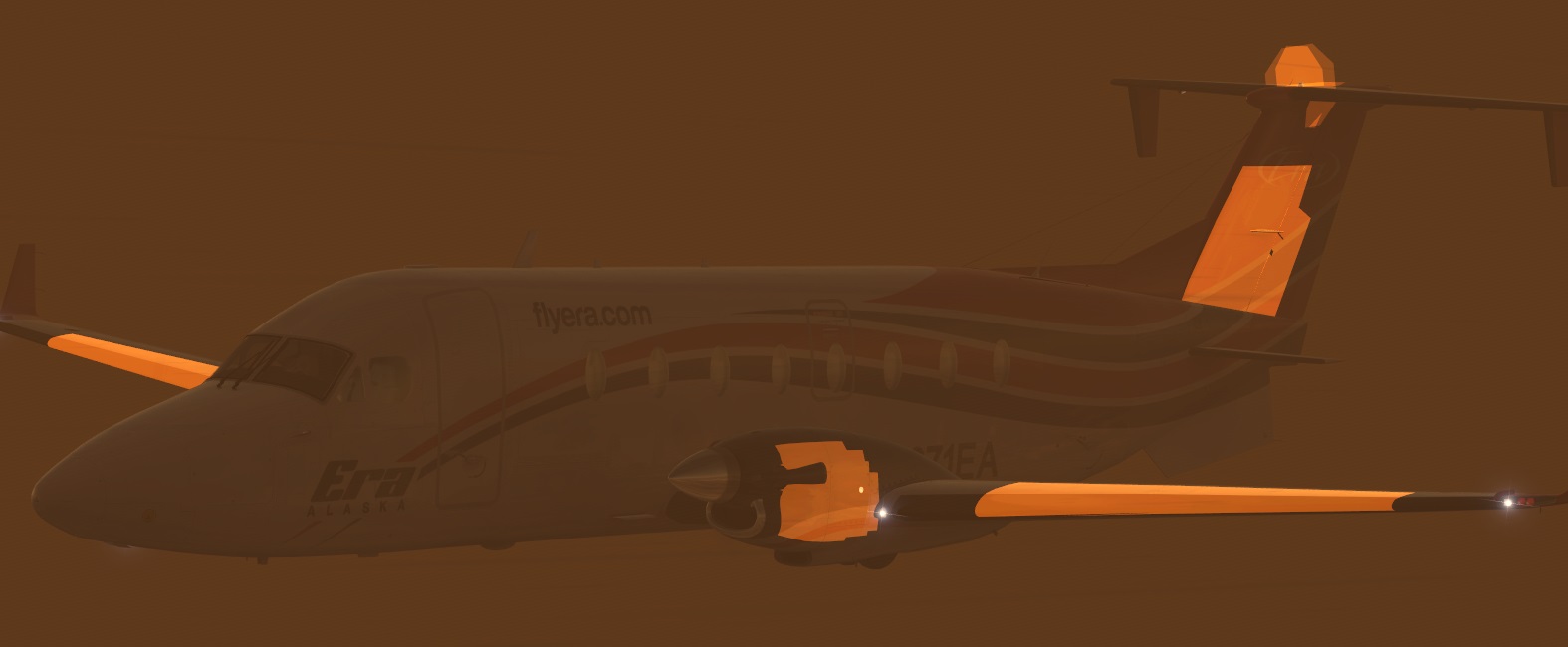
Hello all, when I fly through the clouds, I have in the outside view this problem. Any idea what it is? Have the same problem with other Carenado planes too! Think any Night light textures don't like the new weather effect from ASN, at day it's looks perfect for me. Thank's for help or any suggestions !! Greetings from EDDK Markus
-
-
Thanks Max, that I was looking for. 1 "Vote up" and friendly greetings from EDDK PS. Deine Crew für den AXE liebe ich aber auch immer noch!!!
-
Majestic Software release her Q400 this Weekend, so I have found a nice bridge to the T7 release! Not for long haul, but enough to learn and explore for some weeks.....
-
Okay, thanks for the update Bryan ! Greetings from Germany
-
Any news about release date??
-
I'm sure you will like it, i no longer fly without it ! friendly greetings, Markus
-
The creators of many YouTube videos are using EZCA, a great camera addon for VC- and Spot View. If you use EZCA, you can move with the cursor keys through your VC and save every position! For more info's, look here: http://www.flight1.com/products.asp?product=ezdockcam Hope thats helps..... Greetings Markus
-
Have buy it and it looks great!!! But i have bad framerate in VC, around 11 fps, VC from the NGX give me good 20 fps on ground. (Traffic is set to 40) But think, its time to make a fresh install of my FSX again, can't load the PMDG MD-11 and the Flight1 Mustang, always a CTD after 15 Sec. (ntdll.dll) :Confused: After a new install at next Weekend, i look again at my FPS.... :germany-flag:
-
+1!! :dance:
-
From now Prepar3D is available in a new version for $49,95 This is called "Academic License"
-
I had that problem after update to version 1.3.2 with this stutters, think it has nothing to do with FS2Crew. (have update to the new version, before SP1c and FS2Crew)Since I run the EFB DataProvider as admistrator, I no longer have this problem.I use the enhanced Button at the Link-menu not the Compatible-menu (hope the menu names are right, I use the German Win7 Version)Simply try and look.....
-
Hi, can anyone short tell me what key the Main Button "ALTERNATE STATIC SOURCE (ON/OFF)"in the german version of FSX is ???thxhehe... okay sorry, have found the button !!!!! :(
-
Wow, thanks for the tip!! Works with AS2012 also, no stutters and a very smooth flight.... :(
-
Hi Bill, have you set the right path for the .rte file? default save for flightplans is Flight Simulator XPMDGFLIGHTPLANS but the 737 has a NGX Folder inside the Flightplans directory.Point EFB to save RTE to Flight Simulator XPMDGFLIGHTPLANSNGX or copy it manual to that directory.If that not helps, write exact what you enter in EFB, I use it here every day without any probs.Greetings from germany

